
Everything your collection needs
digib00age scans a folder of CBZ/CBR files and turns it into a library you can browse, filter, read and maintain — all from one self-hosted server.
Your comics, organised your way
digib00age scans your CBZ/CBR files (any folder depth), reading embedded ComicInfo.xml metadata automatically. Rescans are incremental — your reading progress and ratings are never wiped, and missing files are flagged rather than deleted.
- Browse by Home, Series, Singles or All
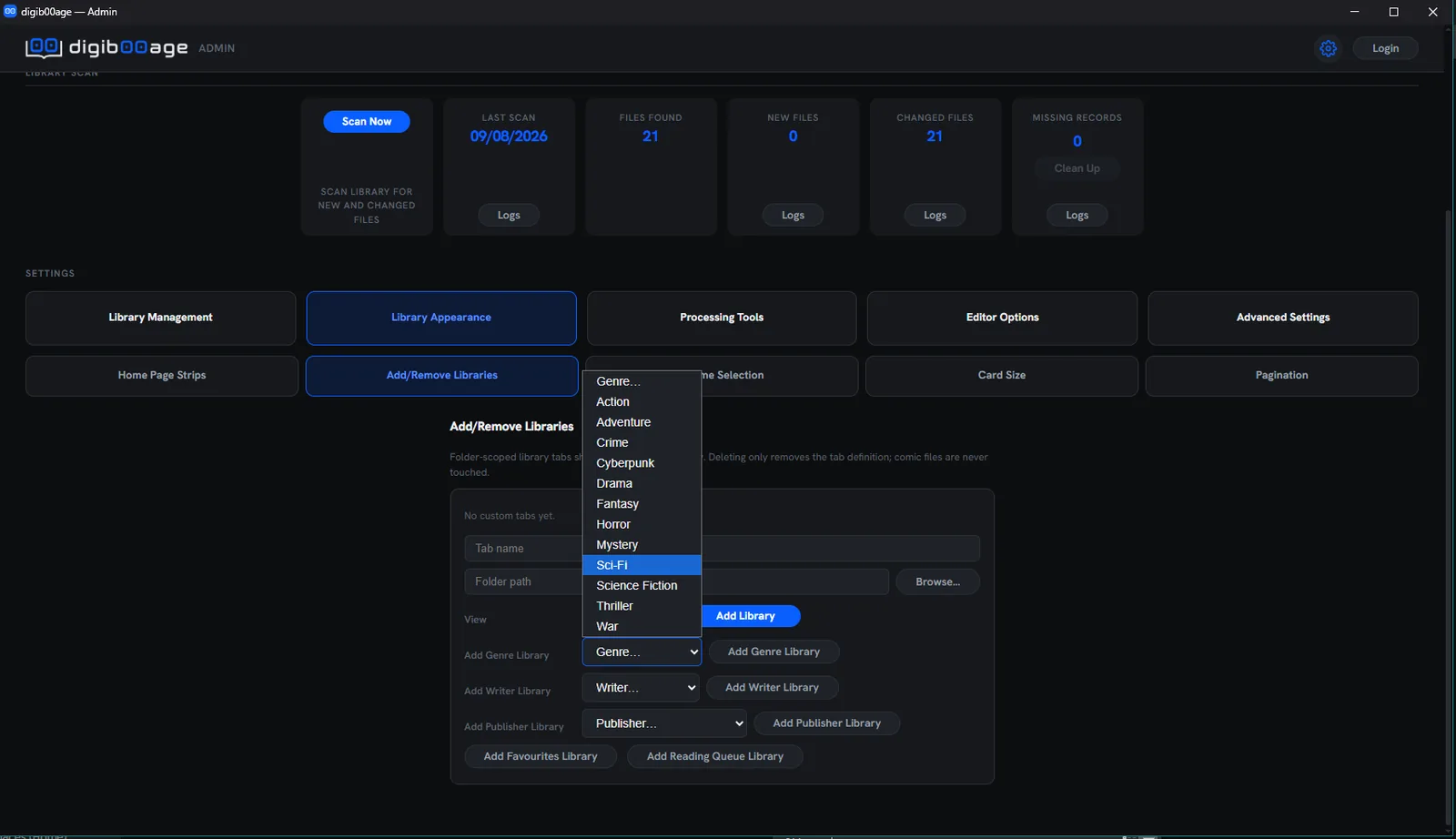
- Admin-defined Custom Tabs — scoped to a folder, or library-wide by favourites, genre, publisher, writer or reading queue
- Folder View for a straight drilldown of your actual directory structure
- Configurable Home Page strips: Continue Reading, Recently Added, Random Unread, Random Genre, plus up to five of your own
- Detects renamed or moved files by content, and falls back to filename parsing when metadata is missing
One filter bar, every view
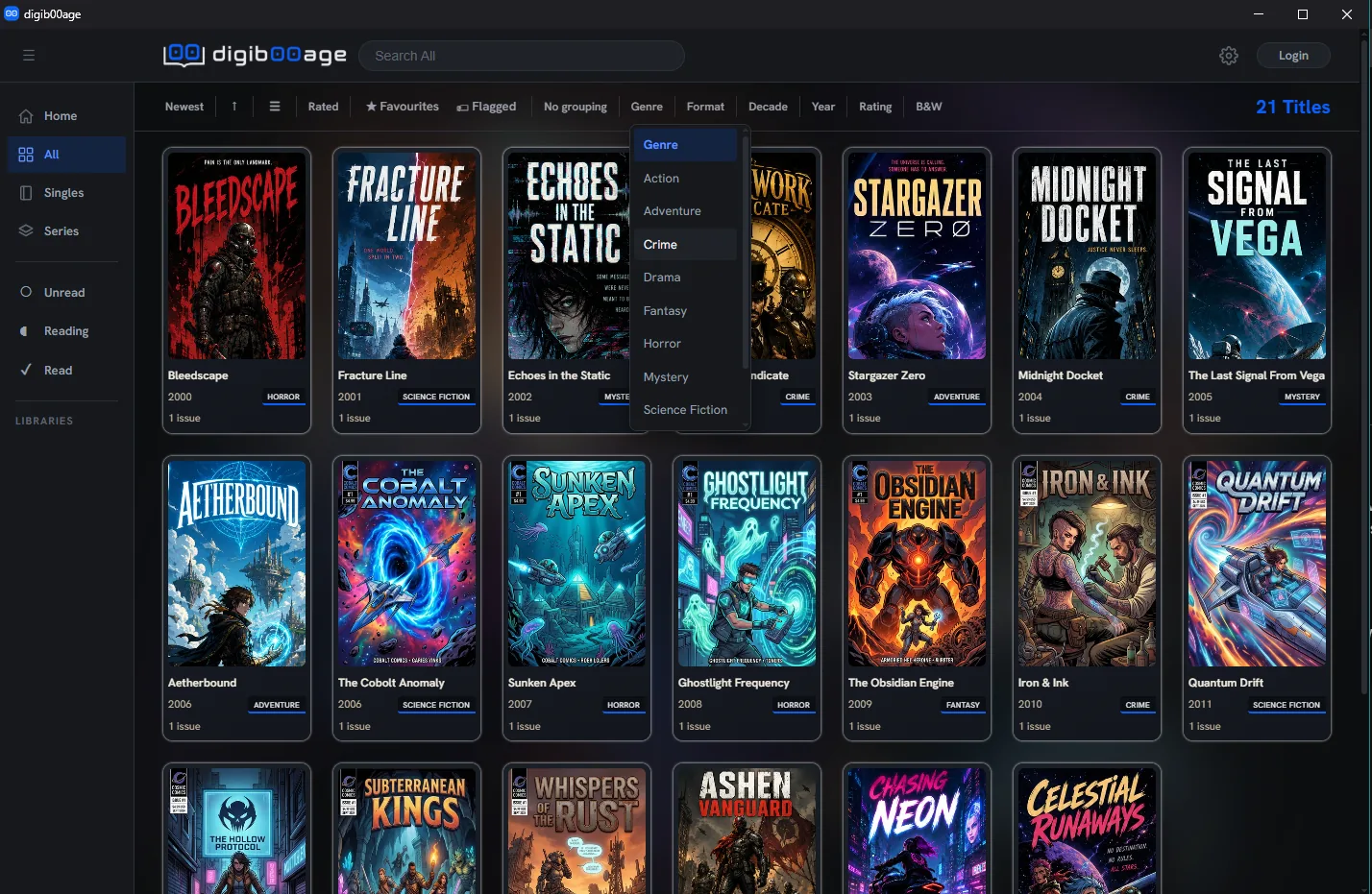
The same unified filter, sort and search bar works across every browsing surface, in both flat and folder view.
- Filter by genre, publisher, format, decade, year, rating and black-&-white
- Favourites and flagged-for-review toggles
- Sort by any field, switch between grid and list view
- Live search as you type
Rich, accurate metadata — your call
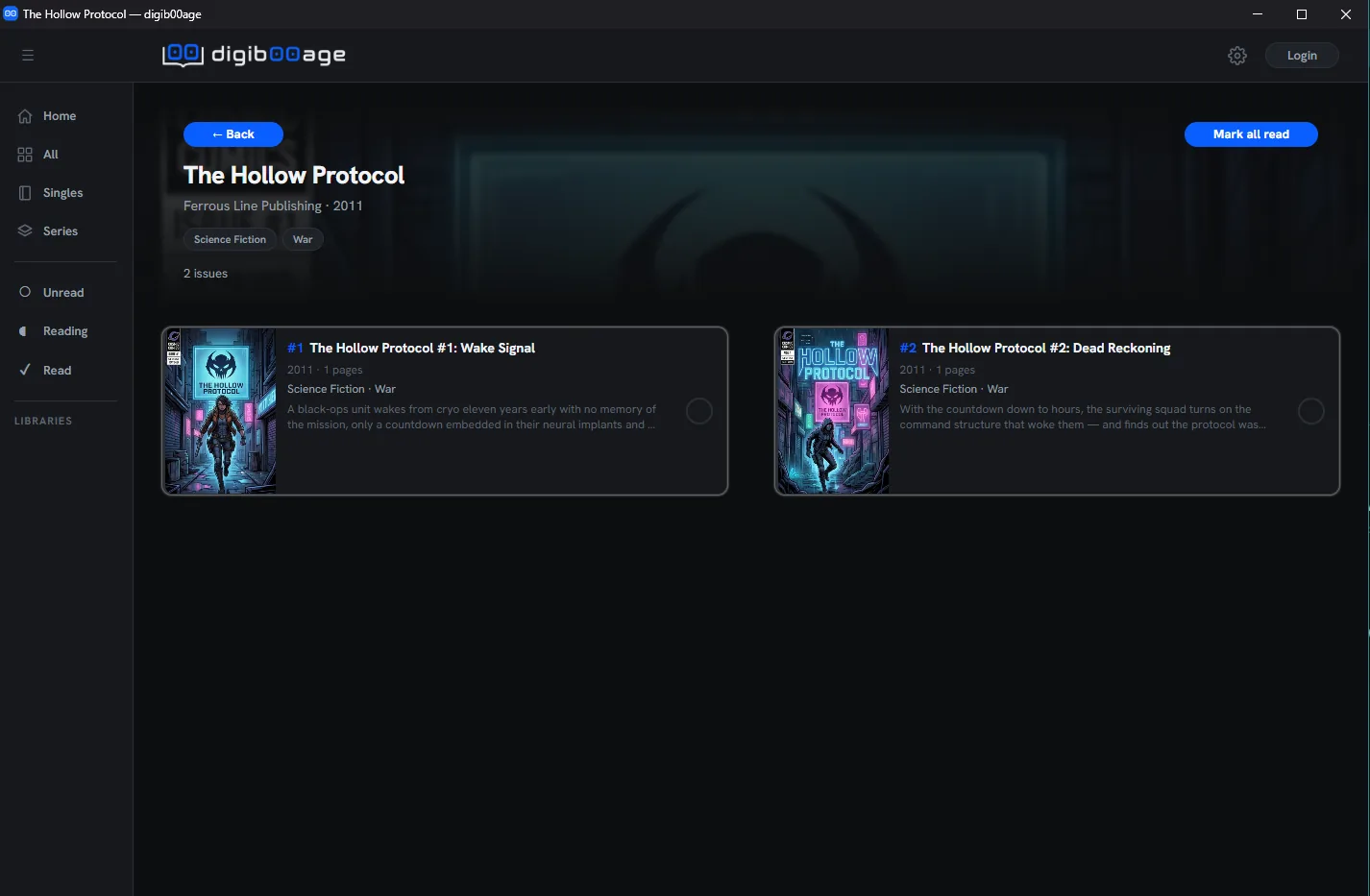
Every issue can carry series, title, year, publisher, format, summary, story arc, writer/artist and other credits, characters, teams, locations, genres, age rating, language, and page count. Pull it from ComicVine or edit it by hand, one issue or hundreds at a time.
Pick up exactly where you left off
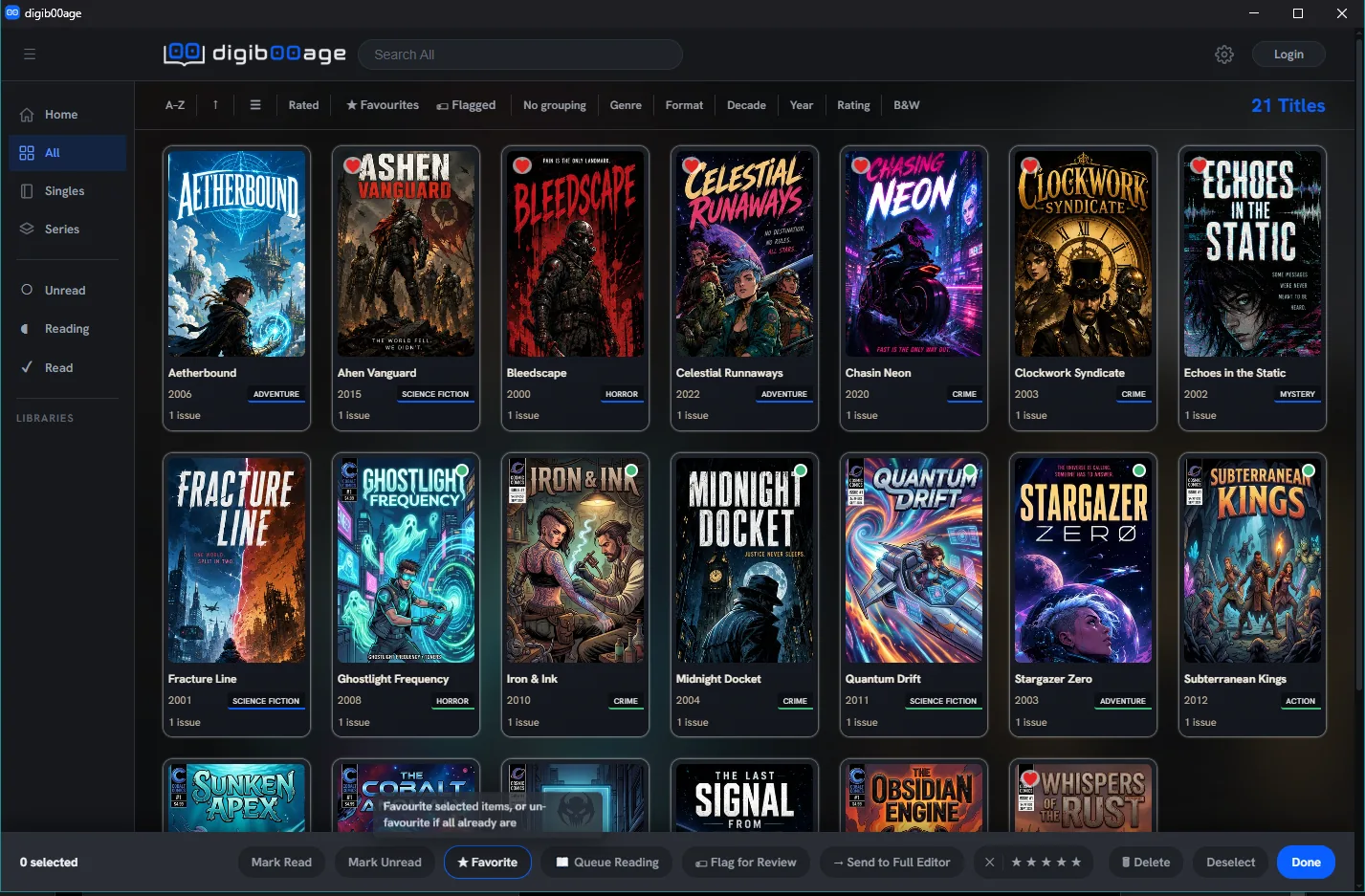
Track read, unread and in-progress status automatically, rate issues 1–5 stars, mark favourites, and flag anything that needs a second look. A Reading Queue keeps a running list of what's next.
- Built-in browser reader with scroll and page navigation modes
- Manga / right-to-left reading support, pinch-zoom and pan
- Resumes exactly where you stopped, on any device
- Bulk actions — mark whole runs read, batch-select across a series
Runs quietly, stays under your control
One admin panel covers everything the server needs, on-demand or on a schedule.
Scan management
On-demand or scheduled scans with live progress and cancel, across multiple library roots with folder excludes.
Backups
Scheduled and on-demand database backup and restore, plus a one-click reset if you ever need a clean slate.
Access control
Optional local password protection with brute-force lockout — your library, gated the way you want it.
Install as an app
PWA-installable, with pagination and card-size controls tuned to your screen.